You run a great store. Your listing should look like it. Here's a checklist for store owners, whether you're setting up for the first time or giving an old listing a tune-up. Most of it takes ten minutes.
1. Photos that look like your store
Your photos are the first thing shoppers see on your store card. Our Content Guidelines keep it simple:[1]
Use images you own or are licensed to use.
Make sure they accurately show your store and products.
No text in images that makes claims you couldn't make in writing.
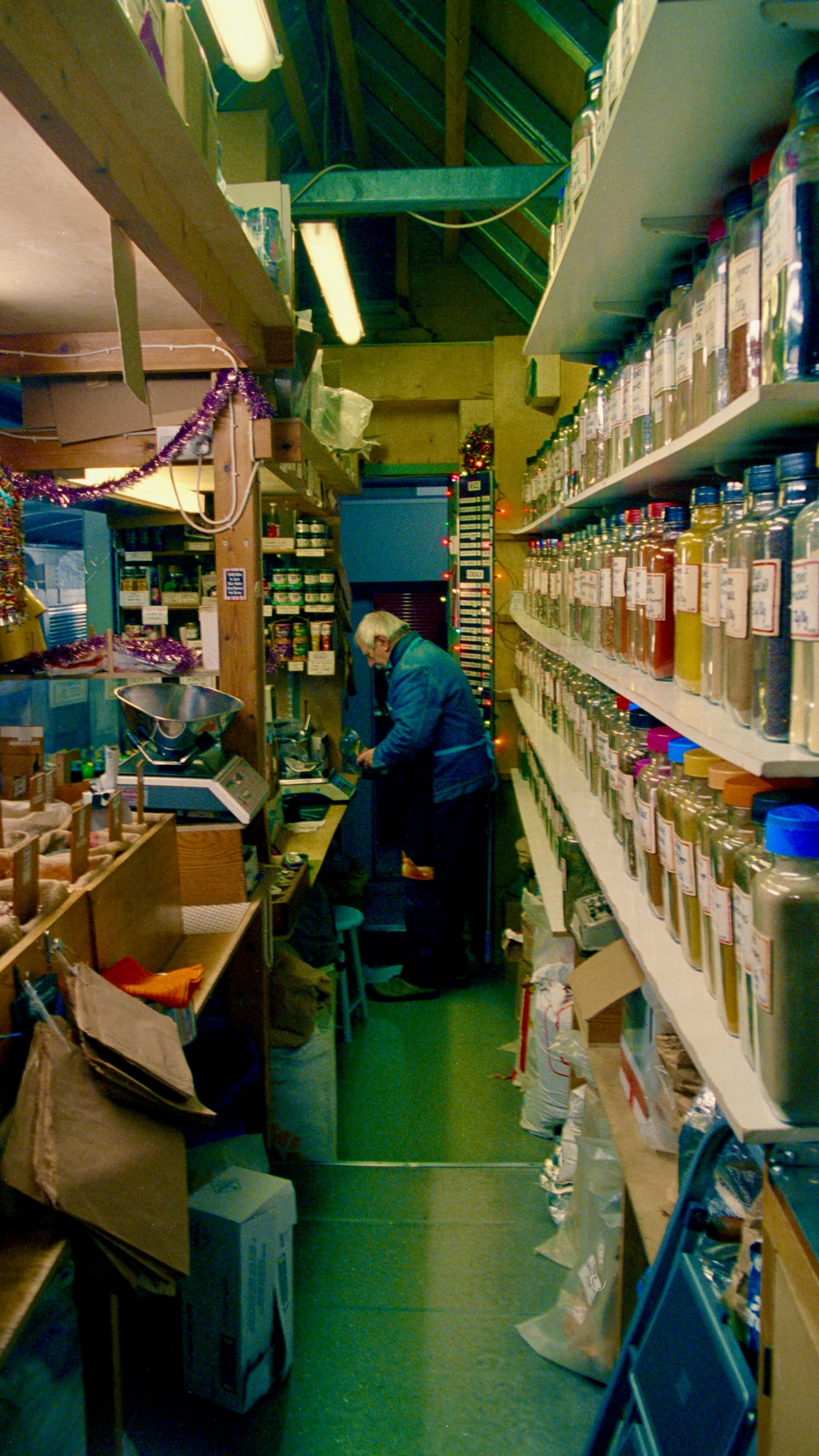
How many you can show depends on your plan: up to 5 photos on Seedling, 15 on Sprout, and up to 50 on Bloom.[2] A good mix is a street view (so people recognise you), the inside of the store, and a few close-ups of what you're proud of.
2. Describe what things are, not what they do
This is the rule that matters most on Herbal Habits. You may not claim that a product treats, cures, prevents, relieves, heals or diagnoses any disease or health condition, even if you believe it's true.[1]
The Guidelines give a handy before-and-after:[1]
Not allowed: "Relieves anxiety and depression", "A natural remedy for high blood pressure"
Allowed: "A warming, aromatic blend", "Crafted from locally sourced herbs"
Their rule of thumb: describe what a product is and its qualities, not what it does to your health. "When in doubt, leave the health angle out."[1]
Listings are reviewed before they go live, and we use automated tools and human review to catch prohibited health claims.[1] Getting it right first time saves you a round of changes.
3. Keep the facts current
It sounds obvious, but it's easy to let slide. The Guidelines ask that prices, deals and product descriptions are accurate and current.[1] Check your opening hours too, especially over public holidays, so nobody drives across town to a locked door.
4. Pick your categories carefully
Categories help shoppers find you through the filters. Seedling includes 3 categories and Sprout includes 6.[2] Choose the ones that describe what people will actually find when they walk in.
5. Run a promotion
Promotions give Premium members a reason to visit you rather than someone else. Sprout includes up to 3 active promotions, and Bloom lifts that to 20. Seedling doesn't include promotions.[2]
As with your listing, deals must be accurate and truthful, and they can't promise outcomes.[1]
6. Put your events on the calendar
Running a workshop, a tasting or a market stall? Add it to your calendar. Seedling includes up to 2 upcoming events, Sprout up to 10, and Bloom unlimited, with Bloom events shown first.[2]
Events are yours to run: you're responsible for permits, safety, age checks and following the law, and Herbal Habits only shows them.[1] A few rules apply:[1]
Events must be for adults (18+).
No events that involve selling, supplying, sharing or handing out cannabis, or using it in public.
Dates, times, location and prices must be accurate. Update or delete an event if it changes.
7. Treat reviews as a conversation
You can reply to reviews publicly, as long as you're professional and courteous.[1] You can't remove or change a genuine review, and you can't review your own store.[1] If you think a review breaks the rules, flag it and our moderation team will decide.[1]
Our two cents: a calm, helpful reply to a disappointed customer tells future shoppers a lot about how you run your store.
Quick checklist
Three or more photos you own, including your shopfront
A description that says what you sell, with no health claims
Opening hours checked, including holidays
Categories that match your shelves
A promotion running, if your plan includes one
Your next event on the calendar
Replies to your latest reviews
Not listed yet? Plans start at R499 a month on Seedling, which comes with a 14-day free trial.[2]
Not listed yet?
Put your store in front of shoppers who are looking for it. Seedling starts with a 14-day free trial.
Sources
Every fact in this article comes from one of these. The numbers in the text link here.
- 1.Content Guidelines. Herbal Habits. Accessed 25 September 2026.
- 2.List Your Store (plans and pricing). Herbal Habits. Accessed 25 September 2026.
Found this useful?